Google Workspace Prompt Dictionaries
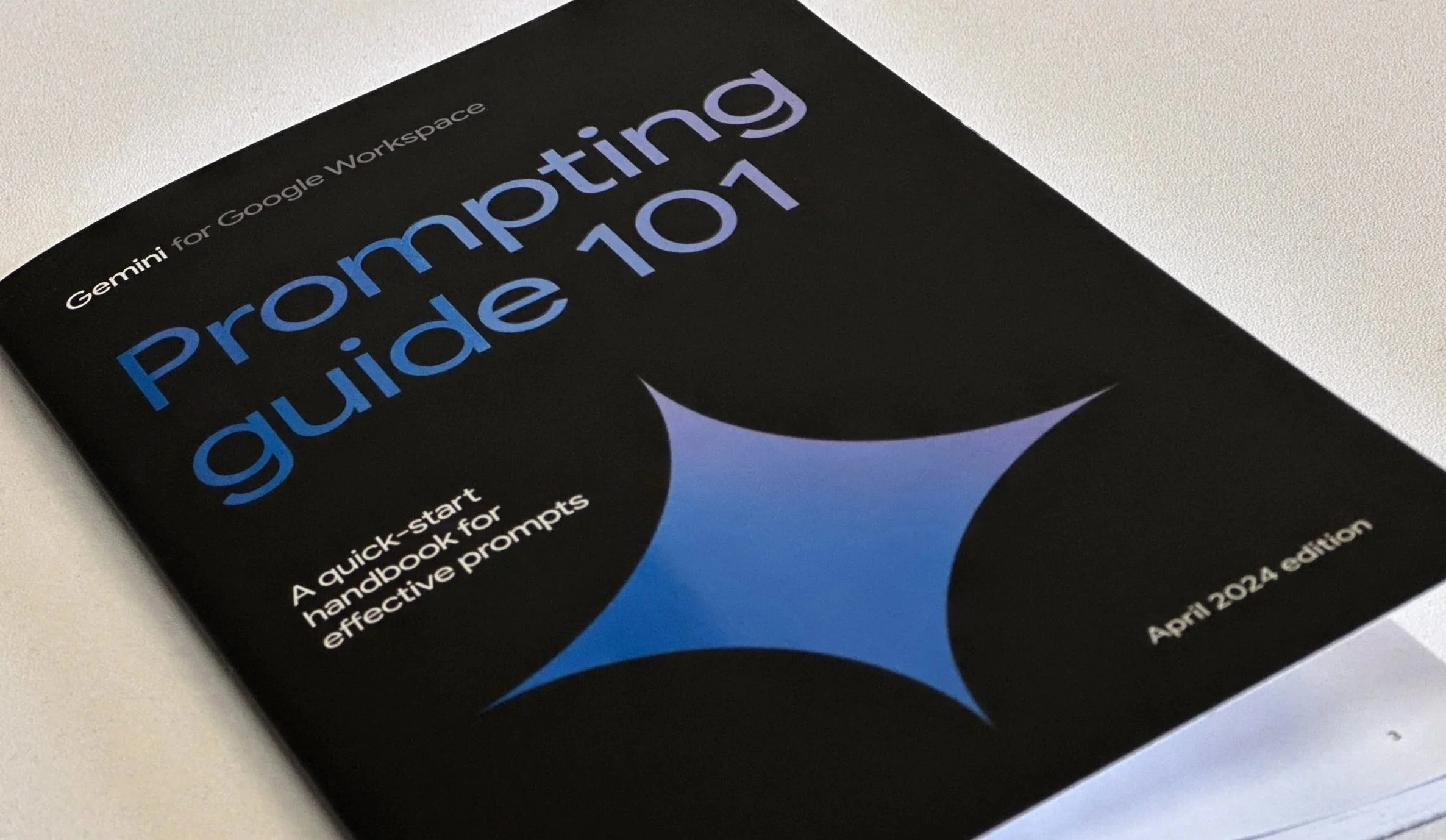
In collaboration with Google Cloud and my team at 300Brand, I designed a printed and digital booklet series titled Prompting Guide 101. The series is built to help professionals across industries seamlessly integrate Gemini into their everyday workflows. We distributed these guides at high-profile events and published them online as accessible, easy-to-digest resources. You can download the latest digital copy here — definitely give it a read, I even picked up a few great tips for my own daily work while putting it together.
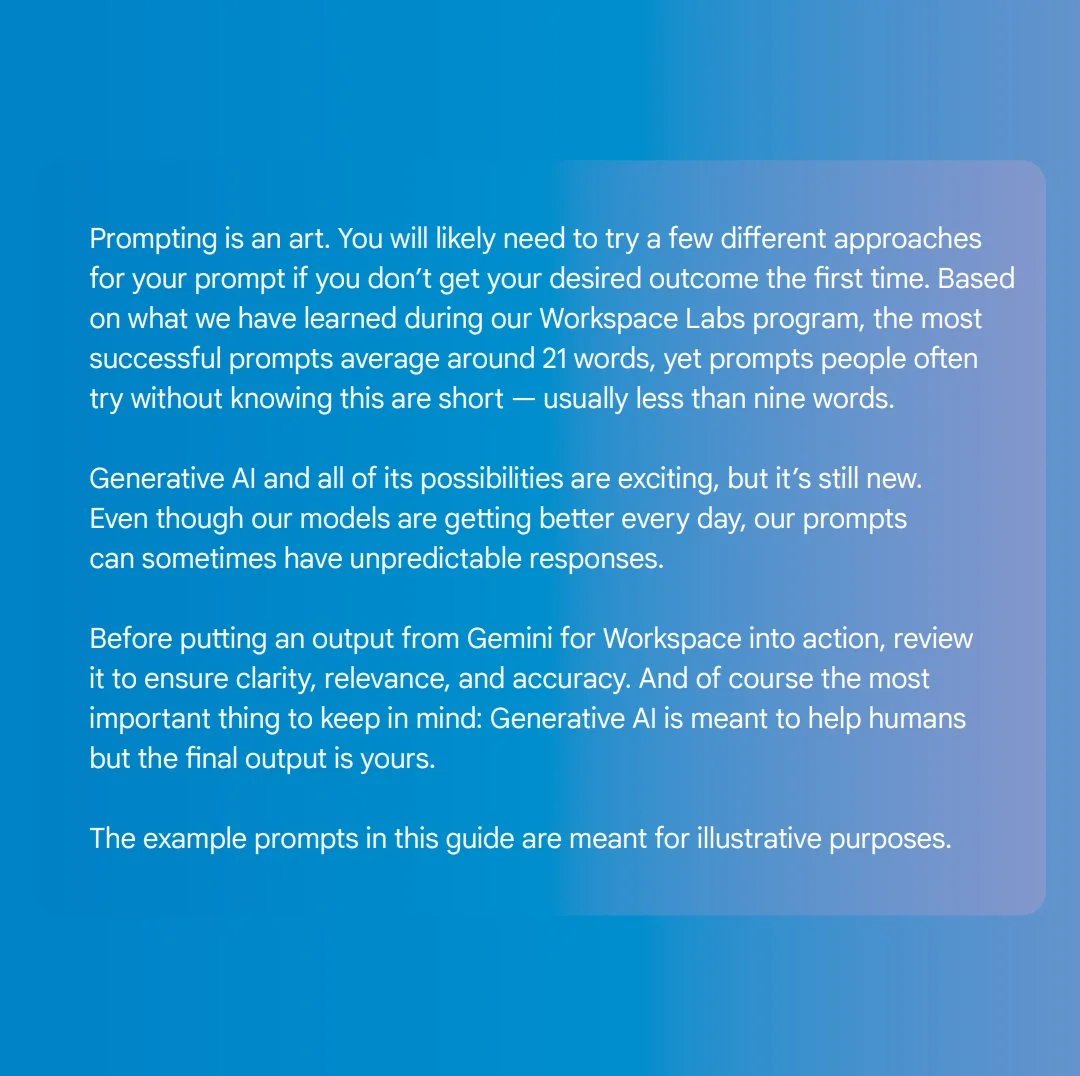
The most successful prompts average around 21 words, whereas unguided users often default to short prompts under 9 words.
APRIL 2024 EDITION
Gemini for Google workspace prompting guide
The Gemini for Google Workspace: Prompting 101 handbook (April 2024 edition) was designed as a quick-start resource to help professionals build foundational skills in generative AI prompting. It serves as a practical blueprint for integrating Gemini directly into everyday workflows across core Google Workspace apps like Gmail, Docs, Sheets, Slides, and Meet.
The booklet is structured around a mix of foundational theory, data-driven insights, and heavily tailored, role-specific use cases:
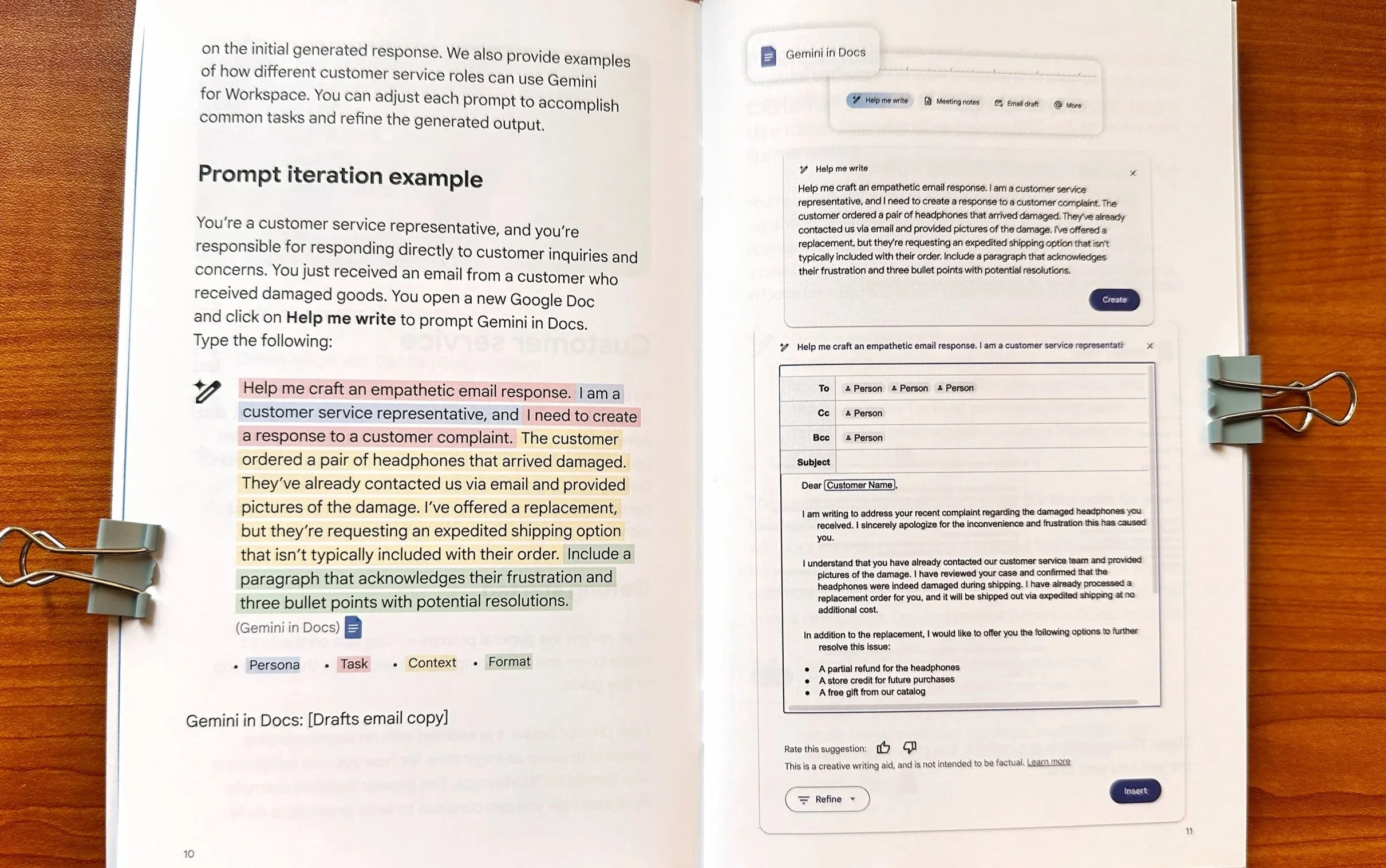
The Core Anatomy of an Effective Prompt
The guide establishes that prompting is an iterative conversation rather than a one-off command. It outlines
four primary pillars for breaking down a successful prompt:
Persona: Defining who the AI should act as (e.g., "You are a program manager").
Task: The explicit action required (e.g., "Draft an executive summary email").
Context: Providing the necessary background details or constraints.
Format: Dictating the final layout (e.g., "Limit to bullet points, layout in a table").
The booklet also shares a fascinating metric from Google's Workspace Labs program: the most successful prompts average around 21 words, whereas unguided users often default to short prompts under nine words.
UI Integration: Connecting Prompts to Features
A key practical element of the handbook is its direct alignment with the Google Workspace user interface. As highlighted on page 6, the guide introduces a system of dedicated feature icons that visually cue the reader to the specific generative AI tools they need to click within their apps. These signifiers include:
Help me write: Tied to drafting and editing text in Google Docs and Gmail.
Help me organize: Tied to generating custom tables and data structures in Google Sheets.
Create image with Gemini: Tied to generating original visuals in Google Slides.
Create background images: Tied to visual customization in Google Meet.
By mapping these icons alongside the standalone gemini.google.com secure portal, the booklet transforms
abstract prompting advice into an actionable, visual roadmap users can mirror on their own screens.
Role-Based Use Cases and Actionable Scenarios
To make the technology immediately relatable, the bulk of the guide provides concrete scenarios, plug and play prompt frameworks, and iteration examples for six distinct professional personas:
Customer Service: Focused on standardizing communication frameworks, drafting empathetic email responses to complaints, and enabling customer self-service.
Executives and Entrepreneurs: Geared toward high-level decision-making, competitive analysis, streamlining communications on the go, and preparing for employee town halls or investor relations.
Human Resources: Designed to streamline recruiting and onboarding, optimize candidate screening questions, and build internal communications like presentation scripts or employee surveys.
Marketing: Tailored for brand management, brainstorming creative campaign slogans, generating blog inspiration, drafting automated lead-nurturing sequences, and creating social media copy.
Project Management: Built to automate project status reports, generate User Acceptance Tests (UATs), create retrospective questionnaires, and spin up issue trackers.
Sales: Crafted to accelerate account research, draft hyper-personalized outreach or elevator pitches, anticipate customer objections, and manage client onboarding schedules.
"Leveling Up" and Human Accountability
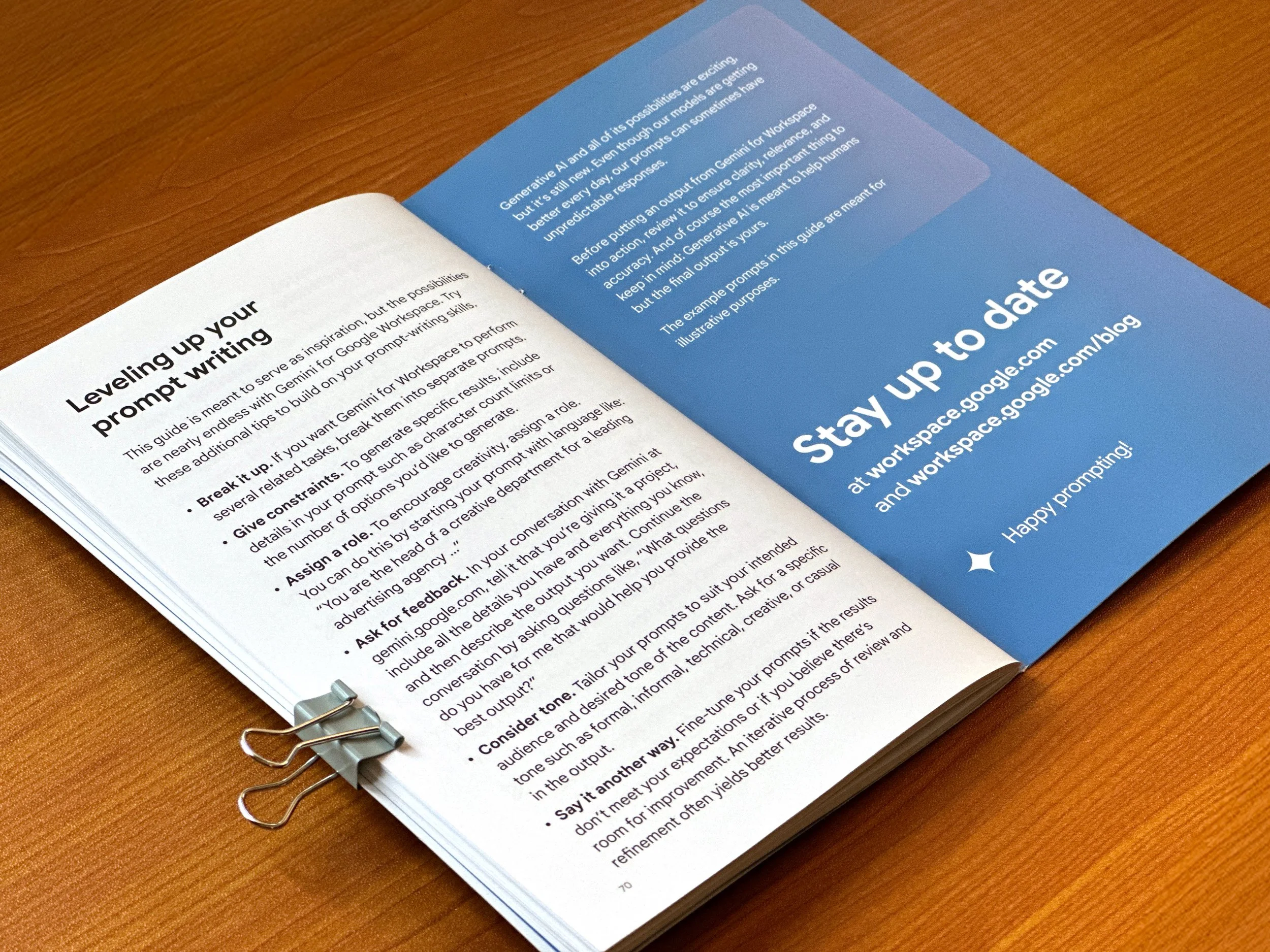
The handbook concludes with advanced prompting tips—such as giving strict constraints, asking Gemini for its own feedback, and breaking complex multi-step workflows into separate prompts.
Crucially, it emphasizes a message of human accountability: reminding users that while generative AI is an incredible creative and productivity accelerant, the final output always belongs to the human operator, who must review it for accuracy and relevance.
OCTOBER 2024 EDITION
Expanding the Vision: Gemini for Google Workspace
Following the massive success of the initial April launch, Google Workspace requested an expanded, comprehensive follow-up handbook for October 2024. While the first edition laid the groundwork for basic onboarding, this second iteration needed to dive deeper, showcasing the new sophisticated, multi-step integrations of Gemini directly within Docs, Sheets, and Gmail to drive true workplace productivity.
Seamless Design Evolution
Because the Gemini brand identity underwent several core visual updates in the months between releases, the framework of the guide required a refresh. This involved carefully updating color palettes, modernizing the iconography, and capturing completely new application UI screenshots to match the evolving live experience.
To maintain familiarity and user ease, we retained the same color-coded framework established in the April edition. This visual shorthand seamlessly guided readers through the key structural pillars of a perfect prompt:
Persona (Who Gemini is acting as)
Task (The action it needs to take)
Context (The background details or specific source documents)
Format (The required output structure, like tables or bullet points)
What’s New in This Edition
Deep-Dive Role Scenarios: We drastically expanded the playbook to cover specialized use cases across 11 distinct corporate personas—ranging from Executives and Technical Project Managers to Frontend Workers and Customer Support Specialists.
Iterative Prompting Blueprints: Rather than showing one-off commands, this booklet introduced step-by-step conversational flows, teaching users how to dynamically chat with Gemini Advanced to refine tables, write code formulas, and edit copy in real time.
File Interoperability (@-tagging): Highlighting the newest workspace feature, we demonstrated how users can securely pull context directly from their personal knowledge base by referencing specific files (@file name) across different applications.
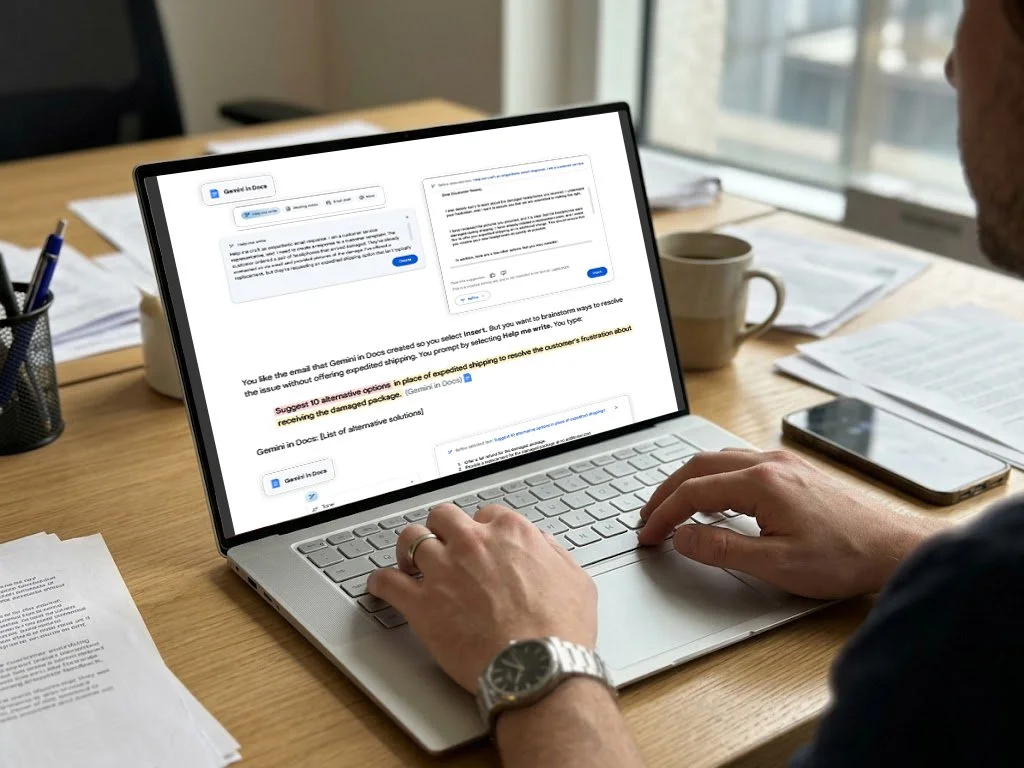
Result
Prompt Guide 101 was highly praised for its clarity, visual consistency, and hands-on practicality. It has since generated significant buzz, with numerous write-ups celebrating it as a total game-changer for how users approach prompting. Today, it remains a highly valuable asset for Google Workspace—frequently utilized at major industry events and across digital outreach campaigns to help professionals understand and apply AI tools in a meaningful, approachable way that yields tangible results.
Featured Press & Coverage
The guide's practical impact caught the attention of major tech outlets and content creators alike:
XDA Developers: Highlighted the guide's core framework as an essential blueprint for mastering the "art of prompting" and breaking down complex AI workflows into digestible daily habits (Read the article).
Video Deep Dive: Featured in specialized video walk-throughs breaking down the booklet's hands-on methodology for an audience of digital professionals (Watch the breakdown).